Located-In Listings: How to Show Up in Search So Customers Turn Up In Store
What happens if your co-located business shares an address but doesn’t show up independently in search? Well, you’re losing customers to a fixable data problem.

Key takeaways:
- Co-located businesses need their own verified Google listing with the parent-child relationship declared through Google’s API
- Google’s guidelines are explicit: Duplicate listings caused by businesses with the same address get removed from Search and Maps
- When your located-in listings are structurally sound across all locations, your team stops firefighting data problems and starts focusing on the work that drives revenue

Businesses don’t need to be physically standalone to show up when potential customers search locally. Whether they ask Siri, ChatGPT, or Google for the nearest EV charger — for instance.
And yet we found last year that more than 90% of potential customers couldn’t find our financial services client’s co-located service on their previous listings platform provider. Listings were incorrectly merged, parent-child relationships weren’t set up, or someone was trying to find workarounds through manual Google Business Profile (GBP) edits.
Businesses with these workarounds in place (or nothing at all) “lose” foot traffic with every local search — not to mention they are constantly at risk of Google’s duplicate penalties and suspension.
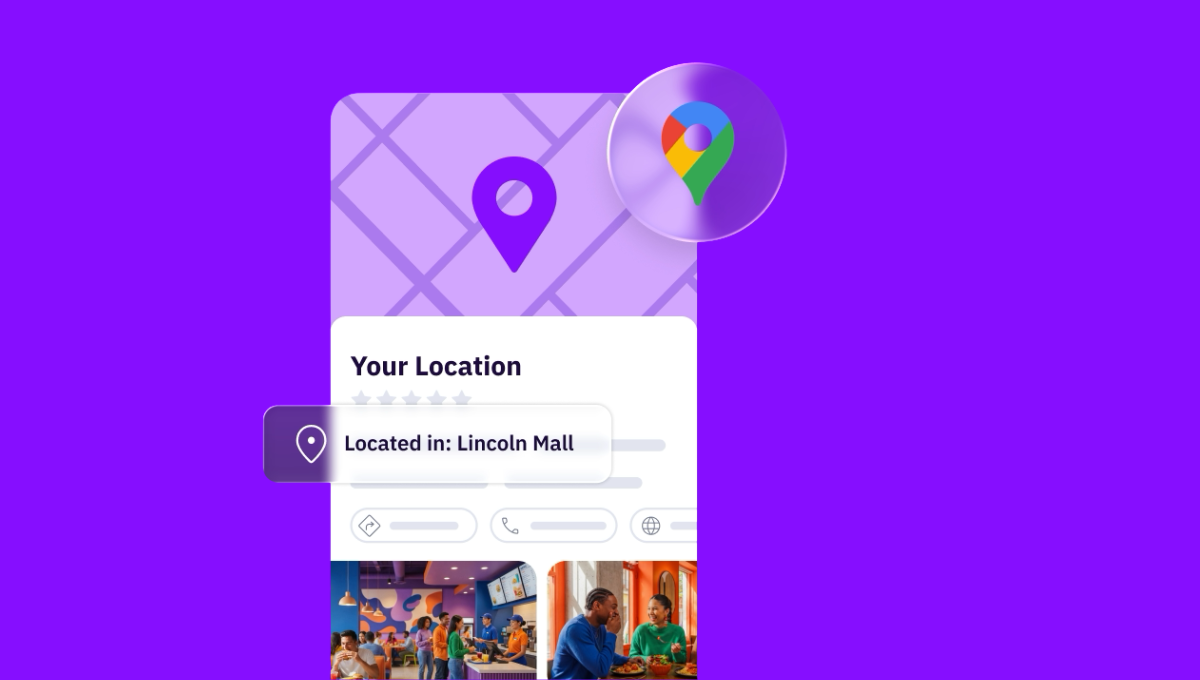
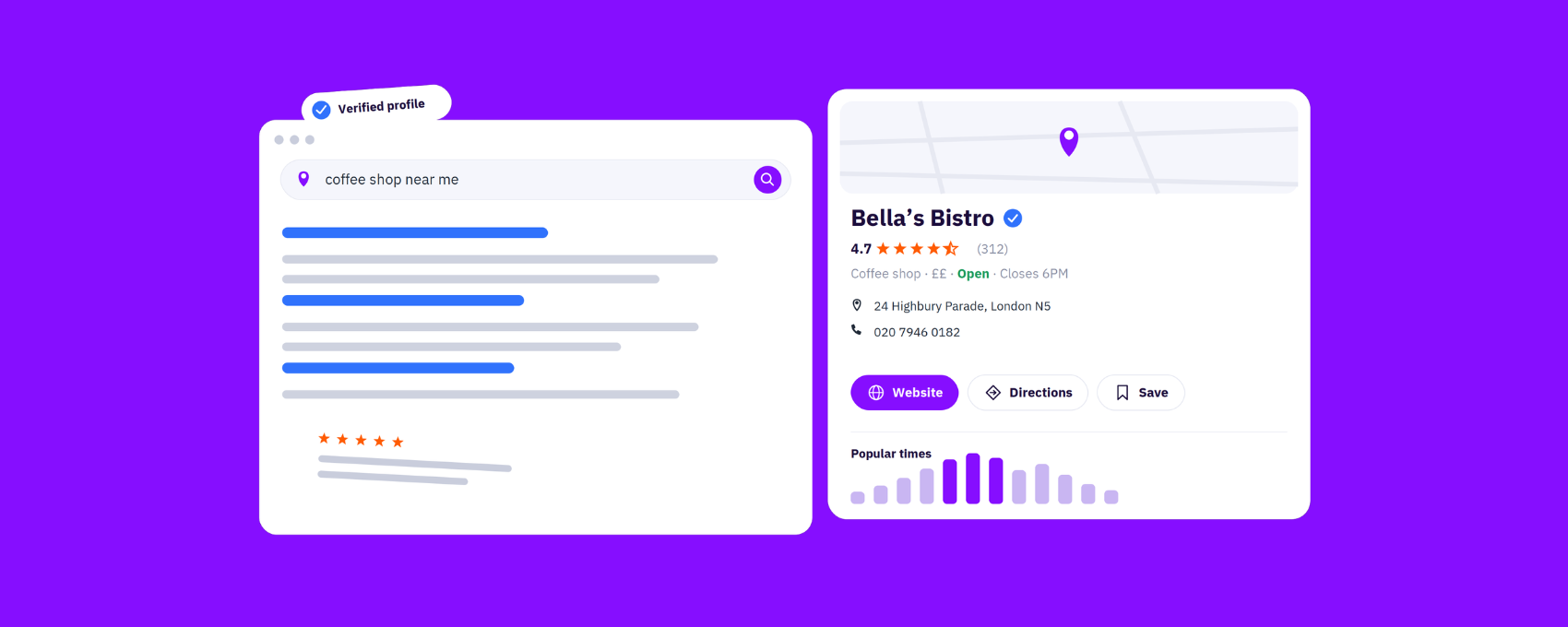
Sharing a business address doesn’t need to be complex, and it definitely shouldn’t mean lower foot traffic or more frustrated customers. Parent-child entities (or nested GBP listings) – pharmacies inside grocery stores, ATMs in lobbies, kiosks in malls, or EV chargers — each need their own detailed listing to show up when customers search, so customers turn up in the right location without being sent on a wild goose chase.
When you get that store-within-a-store foundation right — and you scale it well across locations — you stop putting out fires sparked by inaccurate and conflicting location data and start focusing on the things that directly influence revenue: visibility, reputation, the in-store experience.
Accuracy: Don’t Send Customers on a Wild Goose Chase
As a customer, I’ve found myself wandering aimlessly to find the breakfast place I searched for on Google Maps, only to eventually find it located in the food court of a shopping mall. And let me be frank: Not every customer is willing to get their 10,000 steps in to find the business or service they’re looking for; most will go somewhere easier to find.
If you think about your multi-location business — if you’re a pharmacy, kiosk, ATM, or EV charging point provider — your customers are looking for you because they are already ready to use your service or buy from you. They’re not browsers fumbling at the top of the funnel. They’re dead set on giving you their time, money — and in the best-case scenario, their repeat business.
That’s if they find you.
If your located-in listing is inaccurate or confusing — by not clarifying that your business is located in a department store or shopping mall, for example — you’re quite frankly fighting harder than you need to for every single local customer. And that’s if Google hasn’t incorrectly merged your listing or flagged you as a duplicate listing with that business you're located in.
If that happens, your business listing will disappear from Google, disappear from search results, disappear from AI-generated recommendations.
Every co-located business needs to have its own verified Google business listing — and multi-location businesses with these kinds of listings should manage it all from the same platform they use for their existing location data management. The parent-child relationship (store-within-a-store setup) needs to be declared correctly, once, at scale — without any risks of changes being overwritten.
Whoever owns listing accuracy in your team — could be a local marketing manager, an ops lead, whoever’s stuck untangling data — follows these steps:
- They go to the location page in Uberall and click “Edit.”
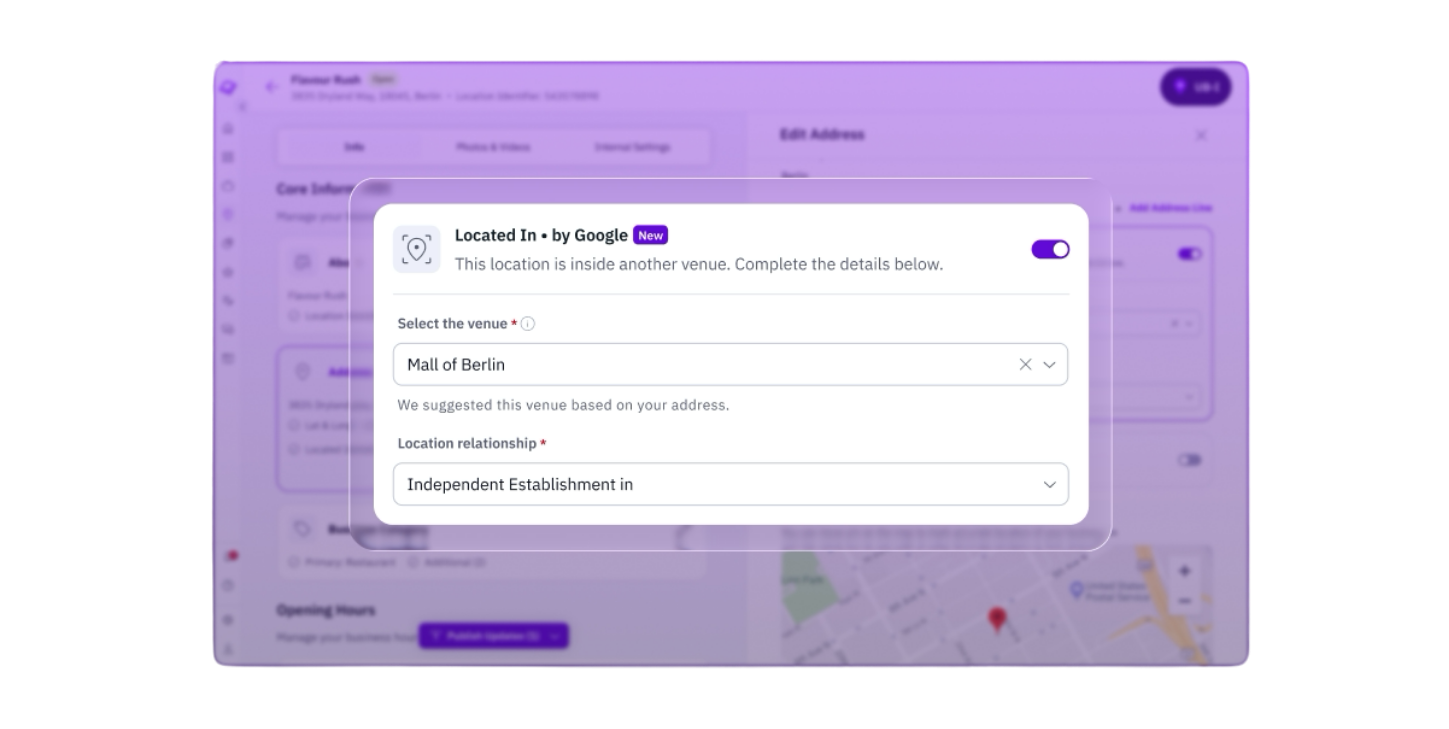
- They then edit the address and toggle the “Add Located In” on.
- Uberall pulls up nearby places within 500 meters (546 yards) using the Google Places API.
- They pick the parent location, choose the relationship type — Department Of or Independent Establishment In — and hit “Save.”
- Uberall maps the parent-child relationship and syncs it straight to Google’s Business Information API — so the nested GBP listing shows up on Google as “Located in [Parent Business].”
Once our clients win this visibility, they do something with it — whether that’s setting opening hours or location attributes for that specific location that differ from the parent location, engaging with customers in reviews, or promoting in-store offers through Google Posts.
Compliance: Don’t Risk Google Penalties and Invisibility
Local marketing is hard enough without having to clean up GBP messes.
When Google can’t distinguish two different businesses registered at the same address, Google often treats them as duplicates — frustrating for these businesses, but logical for providing a good user experience.
I don’t think Google could be any clearer when it talks about duplicate profiles in its guidelines:
“You can have only one Business Profile for each business. Multiple profiles for the same business may mislead your customers and are against our policies. If a profile is considered a duplicate, it won’t show on Google Search or Maps.”
The guidelines go on to clarify that multiple businesses at the same address can each have their own Business Profiles if they’re:
- “distinct businesses with different names and clearly visible differences in signage”
- “eligible for Google Business Profiles”
According to Google’s own words, this includes “locations with multiple brands, rebranded businesses, departments within other businesses, or individual practitioners at a shared location.”
It’s not worth exposing yourself to possible suspensions because you didn’t set up your business profile as a visibly separate business entity with the correct store-within-a-store setup — co-located businesses face this a lot.
If profile suspension doesn’t sound bad enough — that is, not being able to edit your profile, or even your profile being removed from Google altogether — think of just how important Google Business Profile is not only for your local rankings and visibility, but also for being recommended to customers searching with conversational AI tools.
It’s not uncommon for businesses to put in a lot of time, money, and effort to fight these suspensions — sometimes appeal wait times can stretch on for more than a month.
When that entity relationship is set correctly from the start, there’s nothing for Google to flag, merge, or misinterpret — and your listing feeds clean data into every search and AI tool where customers are looking for you.
And since Uberall is a trusted Google partner with a direct API connection to Google Business Profile, your RelationshipData update doesn’t sit in a queue or pass through a third-party aggregator. It syncs almost in real time, the same way all your listing data does.
Scale: Find Momentum Instead of Cleaning the Mess
If your current fallback is your ops team editing your nested GBP listings directly, you obviously understand the benefits of maintaining listings accuracy across your locations, which is more than a lot of multi-location businesses can say.
But this doesn’t scale — especially not if you’re an enterprise business. And if you or your team already feel like you’re playing local marketing catchup, day in, day out, you’re probably not looking ahead at opportunities to maximize online visibility and foot traffic. You’re especially not focusing on how to outperform local competitors.
Being stuck in maintenance mode — cleaning-up-the-mess and putting-out-fires mode — as a marketer is unrewarding (I’ve been there myself) and bleak. In that situation, you need to find an easy solution to bring back some momentum.
When every co-located business of yours has its own approved and verified digital identity, with its own accurate business data and parent-child relationship set up, you can push updates at scale. Special holiday opening hours, local content, business changes, or promotions — whatever it is, our clients don’t need to worry about touching the parent location or editing each directory manually. Changes go live across directories instantly with our automated sync setup.
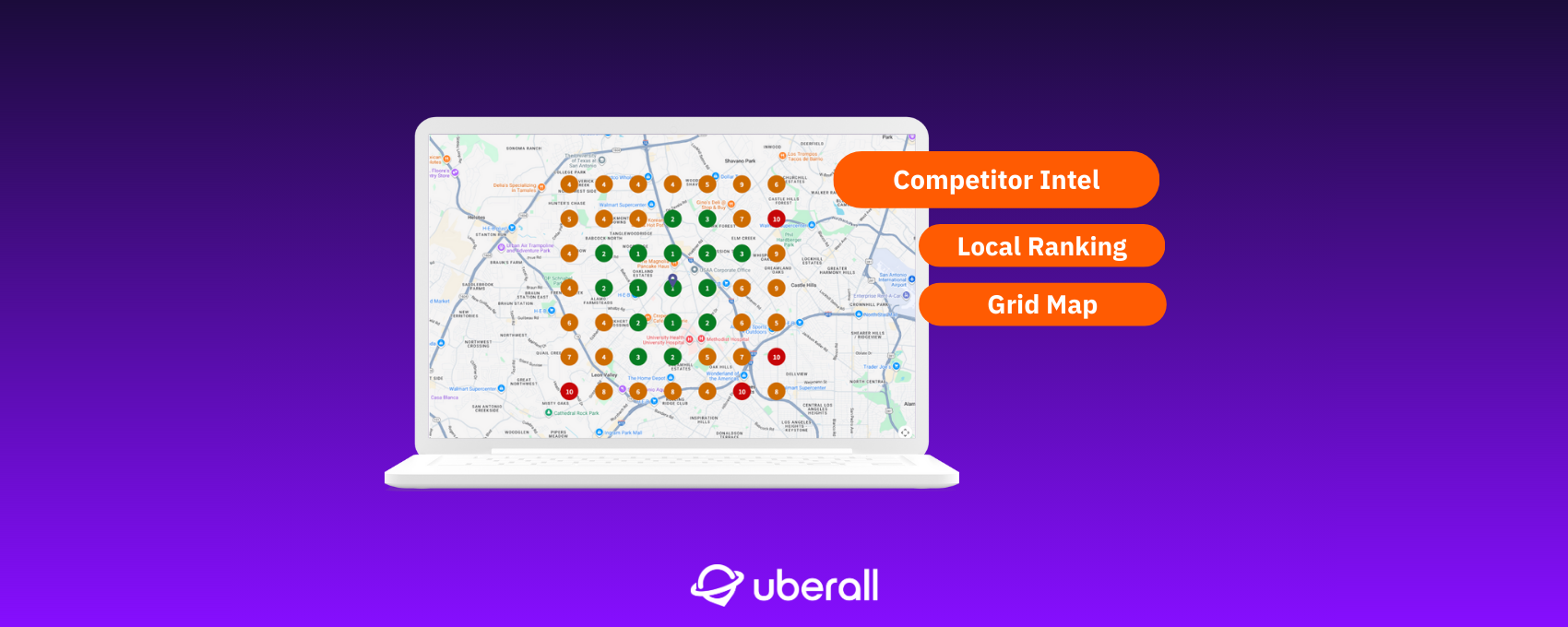
And when your data is clean across tens, hundreds, or thousands of locations, you can invest more time in optimizing your location performance at scale — whether that involves competitive intelligence, strengthening your local reputation, or building long-lasting customer relationships inside your store.
Share an Address; Own How (and If) Customers Find You
If only 10% of potential customers can find you through your located-in listing with your listings provider, that’s an expensive rental contract. That’s nine out of ten customers probably turning to an alternative business that’s easier to find and spend their money at.
That’s not a visibility problem you can fix with better local content, more social posts, or more reviews — it’s a significant hole in your organic and AI search traffic bucket. You’re investing in foot traffic that has no digital front door to welcome anyone.
Co-located businesses that show up independently on Google, in AI recommendations, across directories turn a clean listing into a discovery channel, not a liability in their local search strategy.



1,800 brands trust us to stay visible
— not just show up once or twice in local search.




.png)
Frequently asked questions
A located-in listing is a separate Business Profile for a business inside another business — a pharmacy in a grocery store, a coffee shop in a bookstore, or a service department in a dealership. Google's "Located In" feature links the child listing to the parent, showing customers exactly where to find you. Without it, businesses sharing an address compete with or get confused for their host — losing visibility to customers searching for them.
For brands with hundreds of located-in locations — a pharmacy chain inside a grocery network, or a QSR brand in food courts nationwide — manual management is impossible. Each sub-location needs its own profile across Google, Apple Maps, and dozens of directories. Uberall centralizes this by bulk-creating and maintaining located-in listings across your network, sync updates in real time, and ensure every sub-location’s data stays accurate and distinct from its host.
Setting up a located-in listing means creating a separate Google Business Profile for the child business and linking it to the parent via the "Located In" field. The child needs its own name, categories, hours, phone, and photos — distinct from the host. Verification can be complex at shared addresses. Uberall handles this at scale by creating, verifying, and maintaining located-in listings across 150+ directories so every sub-location has its own optimized presence.
Located-in listings apply to any business inside another: pharmacies in grocery stores, coffee shops in bookstores, banks in supermarkets, food court restaurants, service departments in dealerships, EV chargers at gas stations, and concessions inside host retailers. Each has different hours, services, and contacts from the parent. Uberall’s store-within-a-store solution ensures each gets its own verified listing across Google, Apple Maps, and 150+ directories.
Most listing providers treat businesses sharing an address as duplicates and suppress one. Uberall recognizes located-in businesses as distinct entities deserving their own digital identity. The platform creates separate listings for each sub-location across 150+ directories, links them correctly to parents on Google, and keeps hours, categories, and contacts accurate. Your located-in businesses show up in search instead of being hidden behind their host.
Each located-in listing creates its own local SEO footprint with unique categories, reviews, photos, and NAP data that help it rank independently. A dealership service department ranks for "oil change near me" without competing with sales. A pharmacy inside a grocery store ranks for "pharmacy near me" separately. This enhances your local visibility without cannibalizing the parent — each business captures its own search demand.
The difference between "Department Of" and "Independent Establishment In" comes down to brand ownership. A department, like a pharmacy inside a grocery chain that the chain owns, shares the parent’s management and appears in a "Departments" section on the Knowledge Panel. An independent establishment — like a third-party coffee shop inside a hospital — is a separate company sharing the same roof, and triggers the "Located in" label on Google Maps instead. Choosing the wrong one affects how Google distributes ranking power between your listings.
If your located-in listing isn’t set up correctly, three things typically go wrong. First, Google may treat your listing as a duplicate of the parent business and remove it from Search and Maps entirely. Second, your business data — hours, categories, contact details — may get merged into the parent listing, making it invisible to customers searching specifically for your service. Third, you risk profile suspension, which can take over a month to appeal. Clean location data management with correct parent-child relationships prevents all three.